Step 01
Open the installer
Double-click the downloaded VibeCat setup file from your browser downloads or Downloads folder.
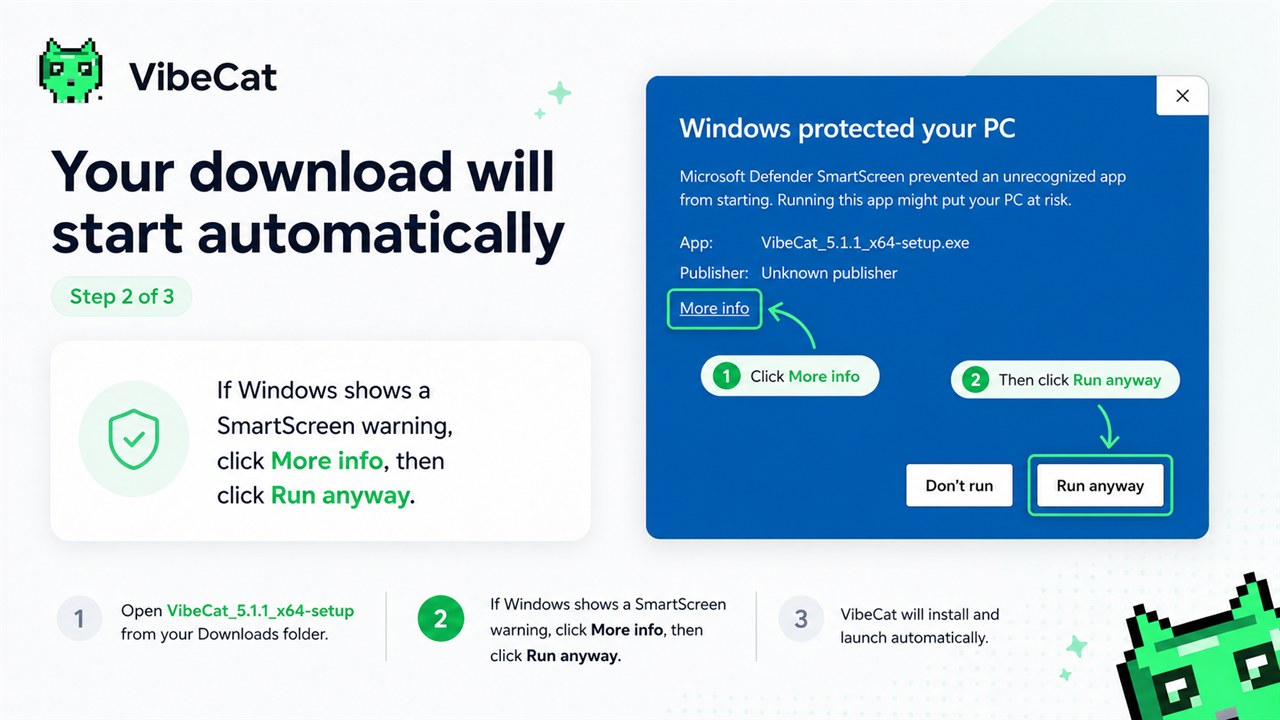
Open the installer from Downloads. If Windows SmartScreen appears, choose More info, then Run anyway.
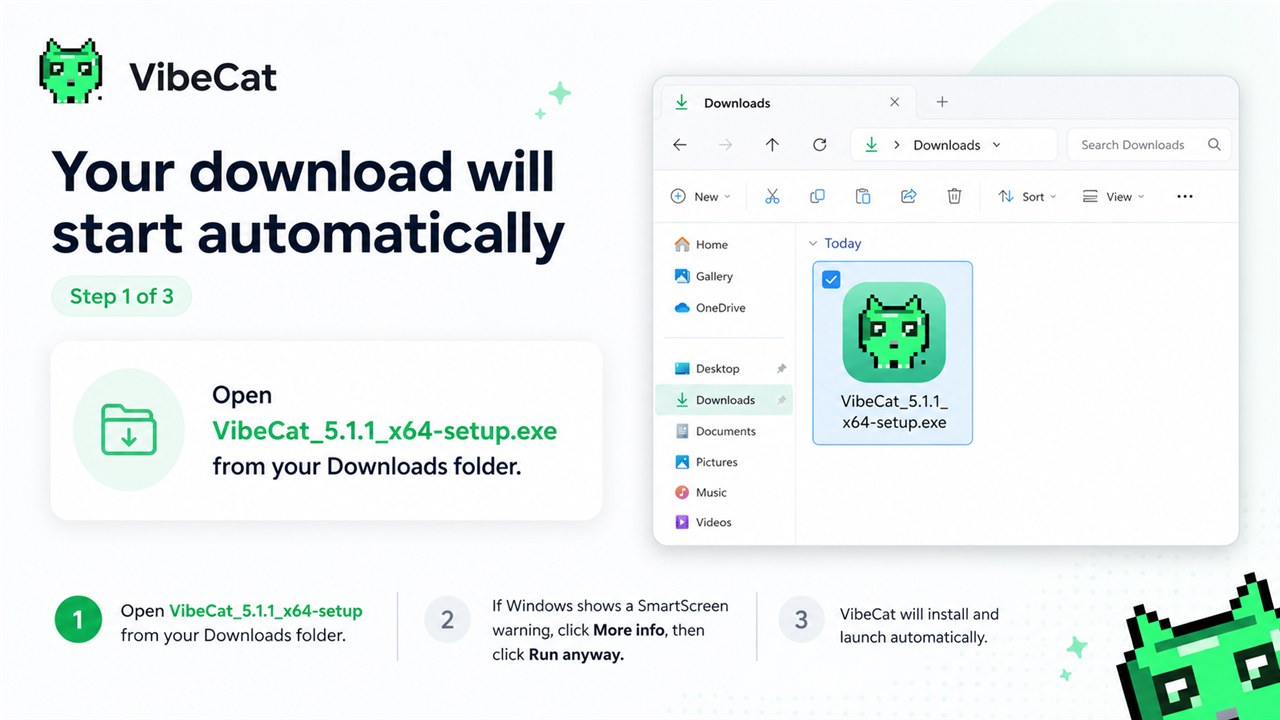
Double-click the downloaded VibeCat setup file from your browser downloads or Downloads folder.
If the Windows warning appears, click More info, then click Run anyway to continue.
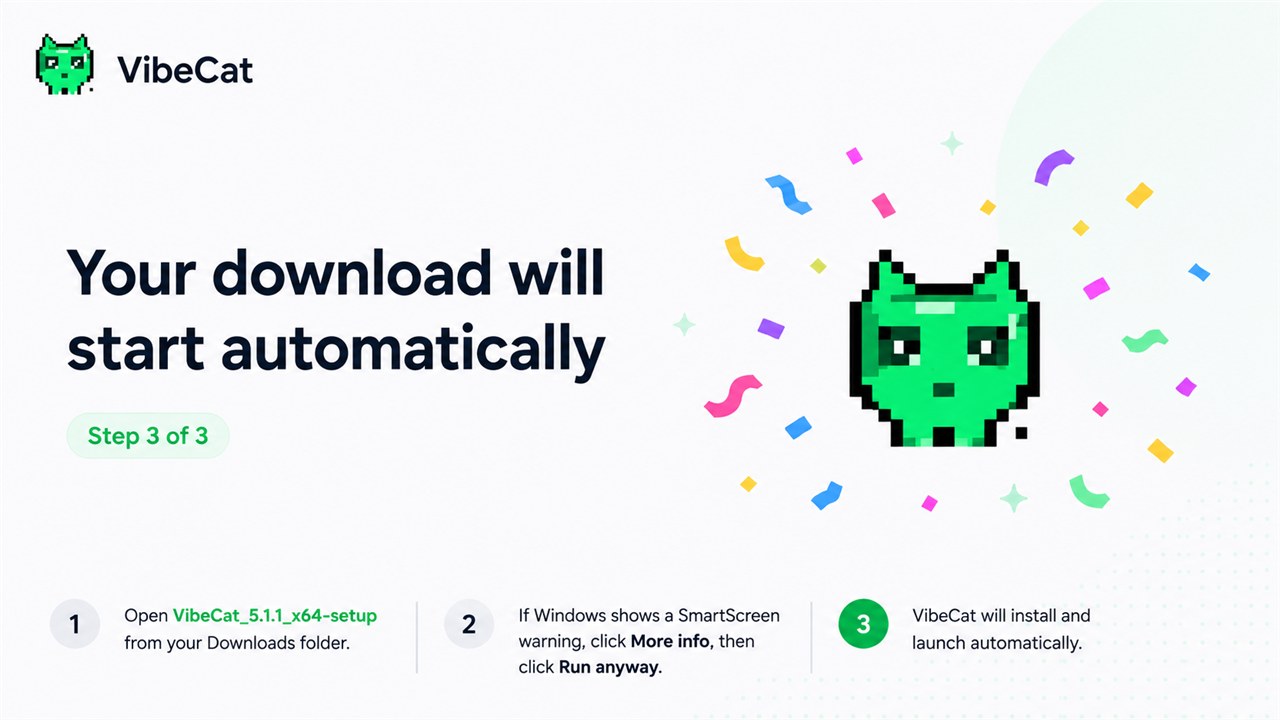
After setup finishes, VibeCat opens and starts the 3-day local trial.
SmartScreen can warn on new or less common installers while Windows builds reputation for the file. Only continue when the download came from vibecat.app.